
Tag: digital wellbeing

  • Digital wellbeing: finding a healthy baseline in a hyperconnected world

    Digital wellbeing: finding a healthy baseline in a hyperconnected world

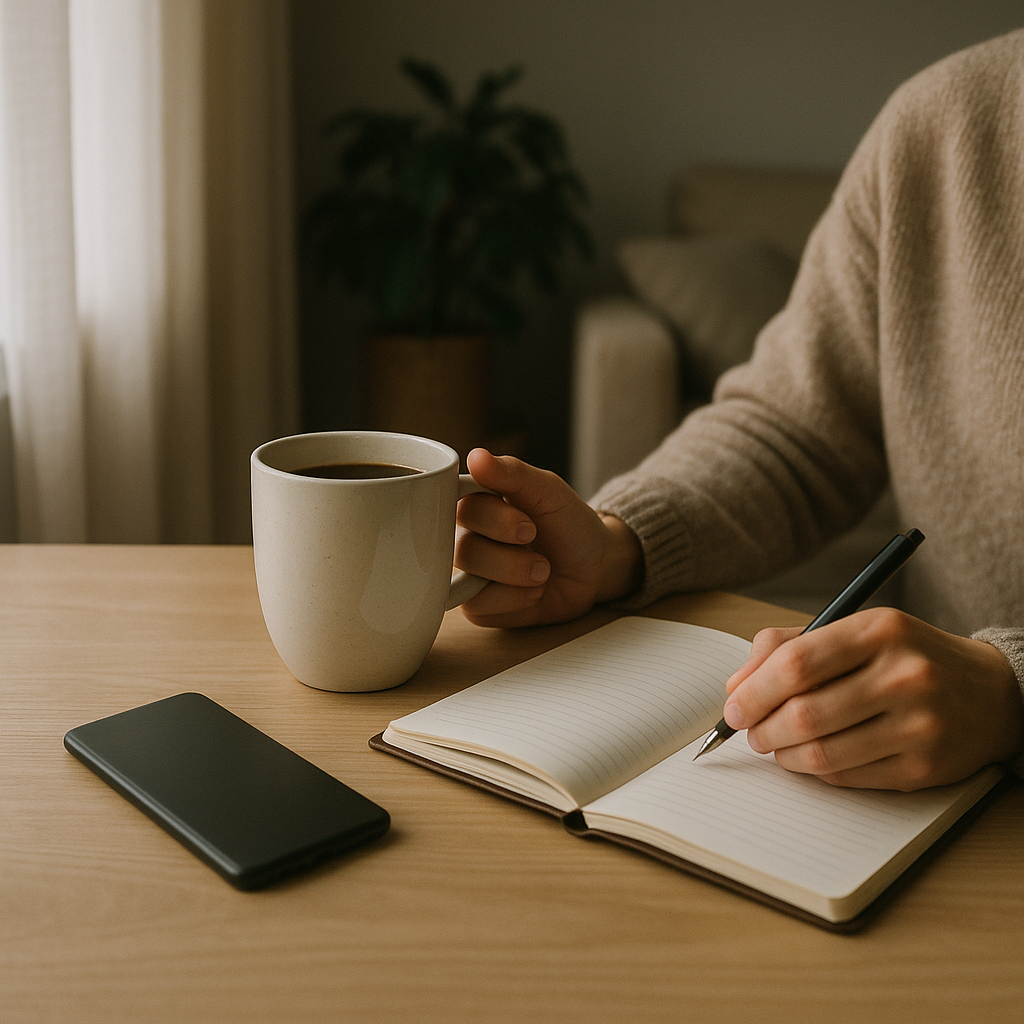
    Digital wellbeing is no longer a niche idea. For many of us, screens are the first thing we see in the morning and the last thing we check at night. If you want to start your day at your baseline – calm, clear and centred – it helps to get intentional about how you use your devices.
    What is digital wellbeing and why does it matter?

    At its simplest, digital wellbeing is about having a healthy relationship with technology so it supports your life instead of draining it. It is not anti-tech. It is pro-boundaries.

    Too much unstructured screen time is linked with poorer sleep, higher stress and difficulty focusing. Constant notifications keep your nervous system on alert, making it harder to relax. Over time, this can chip away at mood, productivity and even physical health through inactivity and eye strain.

    Looking after your digital wellbeing means noticing how technology makes you feel, then adjusting your habits so you feel more grounded, rather than overstimulated.

    Morning routines that protect your digital wellbeing

    How you start your day sets the tone for everything that follows. If your phone is your alarm, it is easy to fall straight into emails, news or social media before you have even got out of bed.

    Try these simple shifts to create a calmer morning baseline:

    • Use a basic alarm clock so your phone can stay outside the bedroom.
    • Commit to 15 to 30 minutes phone free after waking – use that time for stretching, a glass of water, or a short walk.
    • Turn off non-essential notifications overnight so you are not greeted by a wall of alerts.
    • Keep your home screen clear of distracting apps and place only essentials where you can see them.

    These small boundaries help your brain wake up gradually, rather than being hit with a rush of information and comparison.

    Managing information overload for better digital wellbeing

    One of the biggest strains on digital wellbeing is sheer volume – of messages, content and choices. To protect your mental space, treat your attention as something precious.

    Consider:

    • Batch checking emails and messages at set times instead of constantly dipping in.
    • Unsubscribing from newsletters and muting group chats that no longer serve you.
    • Using “do not disturb” modes during focused work, meals and conversations.
    • Setting time limits for the apps you tend to scroll on without thinking.

    Even tech focused companies like dijitul are increasingly talking about balance, recognising that long term performance relies on healthy, rested people, not constant online availability.

    Social media, comparison and your baseline

    Social platforms can connect, inspire and educate. They can also fuel comparison, anxiety and low mood. Your these solutions depends less on being online and more on how and why you are there.

    Ask yourself regularly:

    • How do I feel after using this app – energised, informed, flat or agitated?
    • Am I choosing to open it, or tapping it out of habit or boredom?
    • Whose content lifts me up, and whose leaves me tense or inadequate?

    Unfollow accounts that spike stress or self criticism, even if everyone else seems to follow them. Curate a feed that reflects your values, not your fears. Your baseline should feel like you, not like someone else you are trying to keep up with.

    Sleep, screens and evening wind down

    Good sleep is one of the strongest foundations for wellbeing, yet late night scrolling is a common sleep disruptor. Blue light can interfere with your body clock, while stimulating content keeps your mind active when it should be slowing down.

    To protect your evening these solutions:

    • Set a digital sunset, ideally 60 minutes before bed, where you step away from phones, laptops and tablets.
    • Use warmer screen settings or night modes from early evening if you must be online.
    • Create a wind down routine: reading a book, gentle stretching, journalling or a warm bath.
    • Charge devices outside the bedroom so you are not tempted to scroll if you wake in the night.

    Think of this as giving your brain a chance to land, so you can wake closer to your natural baseline the next morning.


    Woman setting boundaries with her phone as part of digital wellbeing
    Man taking a screen break outdoors to improve digital wellbeing

    Digital wellbeing FAQs

    What does digital wellbeing actually involve day to day?

    Day to day, digital wellbeing means using your devices in a way that supports your health instead of undermining it. That might look like setting clear times to check messages, limiting social media scrolling, turning off non-essential notifications, protecting your sleep from late night screen use and choosing online content that leaves you feeling informed or inspired instead of tense or drained.

    How can I improve my digital wellbeing without quitting social media?

    You do not need to quit social media to improve your digital wellbeing. Start by unfollowing accounts that trigger comparison or anxiety, muting noisy group chats, and setting daily time limits for the apps you use most. Build in screen free pockets such as during meals, the first half hour after waking and the hour before bed. Focus on using social platforms intentionally, for connection or learning, rather than as a default distraction.

    Can better digital wellbeing really help my sleep and stress levels?

    Yes. Constant notifications and late night scrolling keep your nervous system activated and can disrupt your body clock, both of which make it harder to fall and stay asleep. By setting boundaries around evening screen use, reducing information overload and giving yourself tech free wind down time, you are more likely to sleep deeply and wake feeling closer to your natural baseline, which in turn can lower everyday stress.
  • How To Stop Doomscrolling: Creating A Healthy Information Diet

    How To Stop Doomscrolling: Creating A Healthy Information Diet

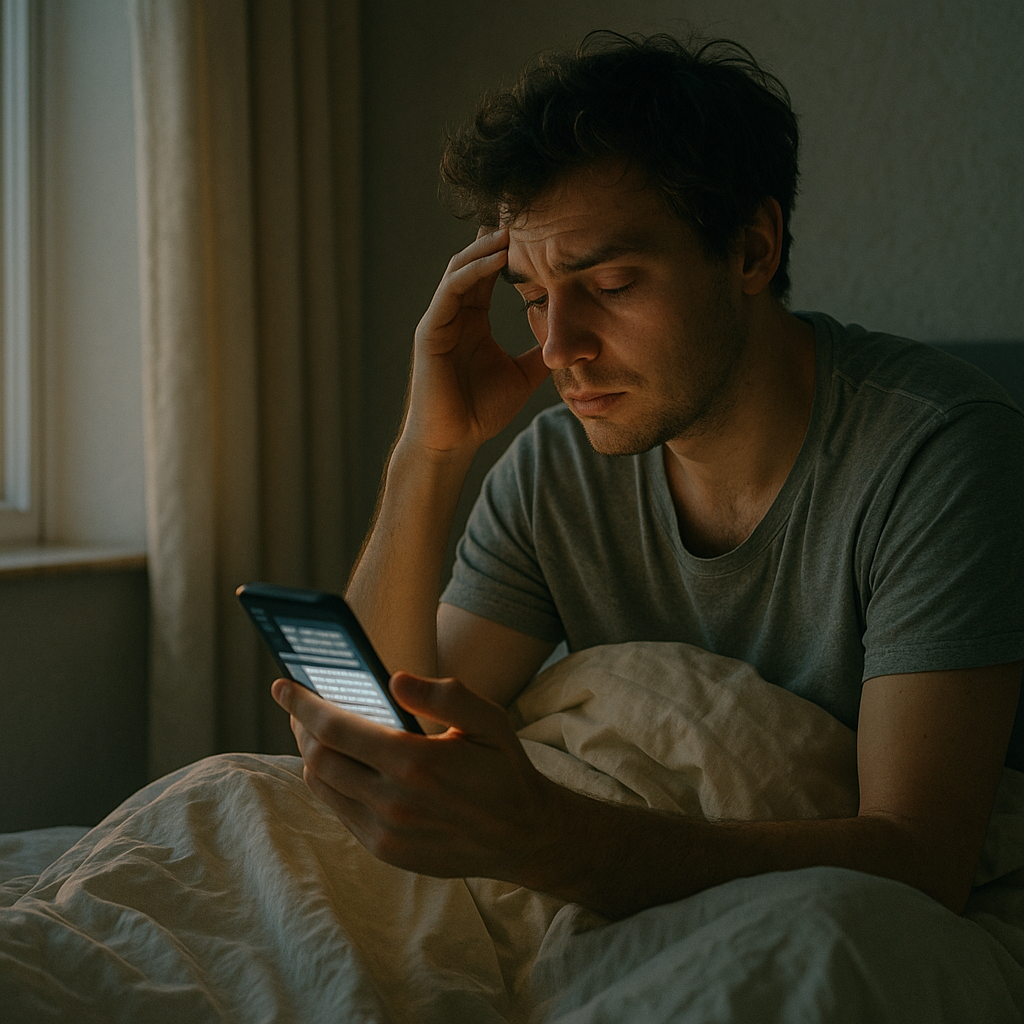
    If you wake up and reach for your phone before you even get out of bed, you are not alone. Many of us want to know how to stop doomscrolling, yet we feel pulled towards the next alarming headline or breaking story. It can feel like staying informed, but your body often tells a different story.

    How doomscrolling affects your nervous system

    Our brains are wired to scan for threats. The 24/7 news cycle takes advantage of this by serving a constant stream of danger, conflict and outrage. Each shocking headline triggers a mini stress response. Your body releases adrenaline and cortisol, your heart rate may rise, and your muscles subtly tense as if you need to act.

    When this happens repeatedly throughout the day, your nervous system can get stuck in a state of hyper-alertness. You might feel jumpy, irritable or on edge without knowing why. Over time, this constant low-level stress can contribute to headaches, digestive issues, muscle tension and a general sense of unease.

    Doomscrolling also keeps your attention fragmented. Rapidly switching between stories and platforms makes it harder for your brain to process information properly, so worries linger and feel bigger than they are.

    How doomscrolling disrupts sleep and mood

    Late-night scrolling exposes your eyes to bright blue light, which suppresses melatonin, the hormone that tells your body it is time to sleep. At the same time, upsetting news spikes your stress hormones. Your body ends up getting mixed messages: stay awake and stay alert, even when you are in bed.

    This combination makes it harder to fall asleep and stay asleep. You might notice racing thoughts, replaying stories you have read, or waking in the night to check your phone. Poor sleep then feeds into low mood, anxiety and difficulty concentrating the next day.

    Emotionally, constant exposure to distressing news can lead to a sense of helplessness. You may feel that the world is only getting worse, even though positive stories rarely receive the same attention. This negativity bias can increase symptoms of anxiety and depression and make everyday stresses feel heavier.

    Why doomscrolling feels addictive

    Understanding how to stop doomscrolling starts with knowing why it is so hard to put the phone down. Each time you refresh your feed, you get a new hit of information. Sometimes it is shocking, sometimes mildly interesting, occasionally uplifting. This unpredictable mix keeps your brain hooked, releasing dopamine in anticipation of the next piece of content.

    There is also a powerful social element. Many people worry that if they unplug, they will miss something important or seem uninformed. In uncertain times, checking the news can feel like a way to stay in control, even if it actually leaves you feeling more overwhelmed.

    How to stop doomscrolling with a healthy information diet

    Think of your news intake like your food intake: you need enough to stay nourished, but too much of the wrong thing leaves you feeling unwell. Here is a simple framework to create a healthier information diet.

    1. Set clear “news windows”

    Choose one or two short times in the day to catch up on news, such as mid-morning and early evening. Outside those windows, avoid news apps and social feeds. This limits the constant drip of stress while still keeping you informed.

    2. Protect your mornings and evenings

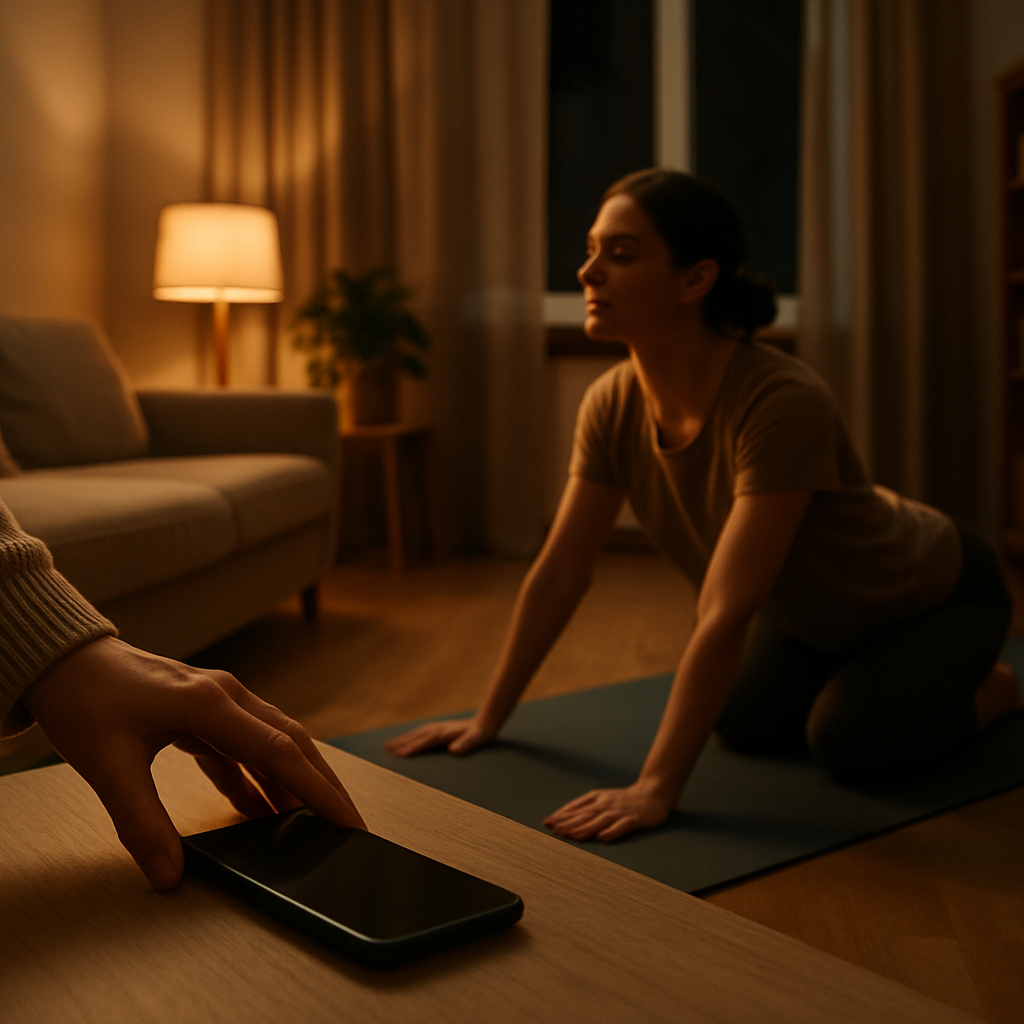
    Make a rule that you will not check news for the first 30 to 60 minutes after waking and the last hour before bed. Use that time for grounding habits instead: stretching, a short walk, a proper breakfast or a few minutes of slow breathing. These moments help you start and end the day at your baseline, rather than in a state of alarm.

    3. Tidy up your notifications

    Turn off breaking news alerts and limit notifications from social media. If that feels like too much, start by muting them overnight. Reducing interruptions gives your nervous system a chance to relax and makes it easier to stay present with whatever you are doing.

    Relaxed person putting their phone away and stretching in a cosy living room as part of a routine for how to stop doomscrolling.
    Person walking in a peaceful park at sunrise with their phone away, showing a mindful strategy for how to stop doomscrolling.

    How to stop doomscrolling FAQs

    Why is it so hard to stop doomscrolling once I start?

    Doomscrolling taps into your brain’s threat and reward systems. Each refresh offers new information, sometimes alarming, sometimes mildly interesting. This unpredictable mix releases dopamine and keeps you searching for the next update. On top of that, worrying headlines trigger your stress response, so you feel compelled to keep checking for reassurance. Setting time limits, removing autoplay and turning off push alerts can break this cycle and make it easier to put your phone down.

    Can doomscrolling really affect my physical health?

    Yes. Repeated exposure to distressing news can keep your body in a state of low-level stress. Stress hormones such as cortisol and adrenaline stay elevated, which over time can contribute to headaches, muscle tension, digestive issues, raised blood pressure and weakened immunity. It can also disrupt sleep, which affects energy, appetite and mood. Reducing your news intake, especially in the evening, and adding calming routines can help your body return to a healthier baseline.

    How can I stay informed without feeling overwhelmed?

    Decide what “informed” means for you and build simple boundaries around it. You might choose one or two short news windows per day, follow a limited number of trusted sources and use a daily summary rather than live feeds. Avoid checking news first thing in the morning or last thing at night, and pay attention to how your body feels as you read. If you notice rising tension or anxiety, pause, take a few slow breaths and step away. This way, you stay connected to the world while still protecting your wellbeing.