
If you spend the majority of your working day seated, desk fatigue is likely something you know all too well – that creeping stiffness in your neck, the dull ache across your lower back, and the heavy tiredness that settles in by mid-afternoon. For the millions of people working from home or in office environments, prolonged sitting has quietly become one of the most significant threats to everyday wellbeing.

What Prolonged Sitting Does to Your Body
The human body was not designed to stay still for hours at a time. When you sit for extended periods, the muscles that support your spine – particularly those in the hips, glutes, and core – gradually switch off. This forces other structures, like the neck and lower back, to compensate, leading to postural strain and discomfort. Poor circulation is another consequence, contributing directly to that foggy, low-energy feeling that many desk workers experience by mid-morning. Desk fatigue is not just about tiredness; it is a physical response to a body that has been static for too long.
Movement Snacks: Small Breaks, Big Benefits
One of the most effective strategies for combating desk fatigue is introducing what are often called “movement snacks” – short bursts of gentle activity woven into your working day. You do not need a gym or any special equipment. The aim is simply to break up long periods of sitting every 30 to 45 minutes.
Try these quick movement snacks between tasks:
- Standing calf raises – rise up onto your toes 10 to 15 times while making a cup of tea.
- Shoulder rolls – roll both shoulders backwards in slow, deliberate circles to release upper back tension.
- Standing hip flexor stretch – step one foot forward into a gentle lunge position and hold for 20 seconds each side.
- Neck tilts – slowly tilt your ear towards your shoulder and hold for 10 seconds to release neck tightness.
These micro-breaks are powerful precisely because they are so accessible. Setting a quiet timer on your phone or using a simple app reminder makes it easy to build the habit gradually.
A Simple Desk Stretching Routine
Beyond movement snacks, a more structured stretching routine once or twice a day can significantly reduce the physical effects of desk fatigue. Focus on the areas most affected by sitting: the chest, hip flexors, hamstrings, and thoracic spine.
A five-minute routine could include a seated spinal twist (gently rotate your torso while seated), a chest opener (clasp your hands behind your back and gently lift), and a seated forward fold (hinge at the hips over your legs to lengthen the hamstrings). None of these require you to leave your desk area.
Workstation Tweaks That Make a Real Difference
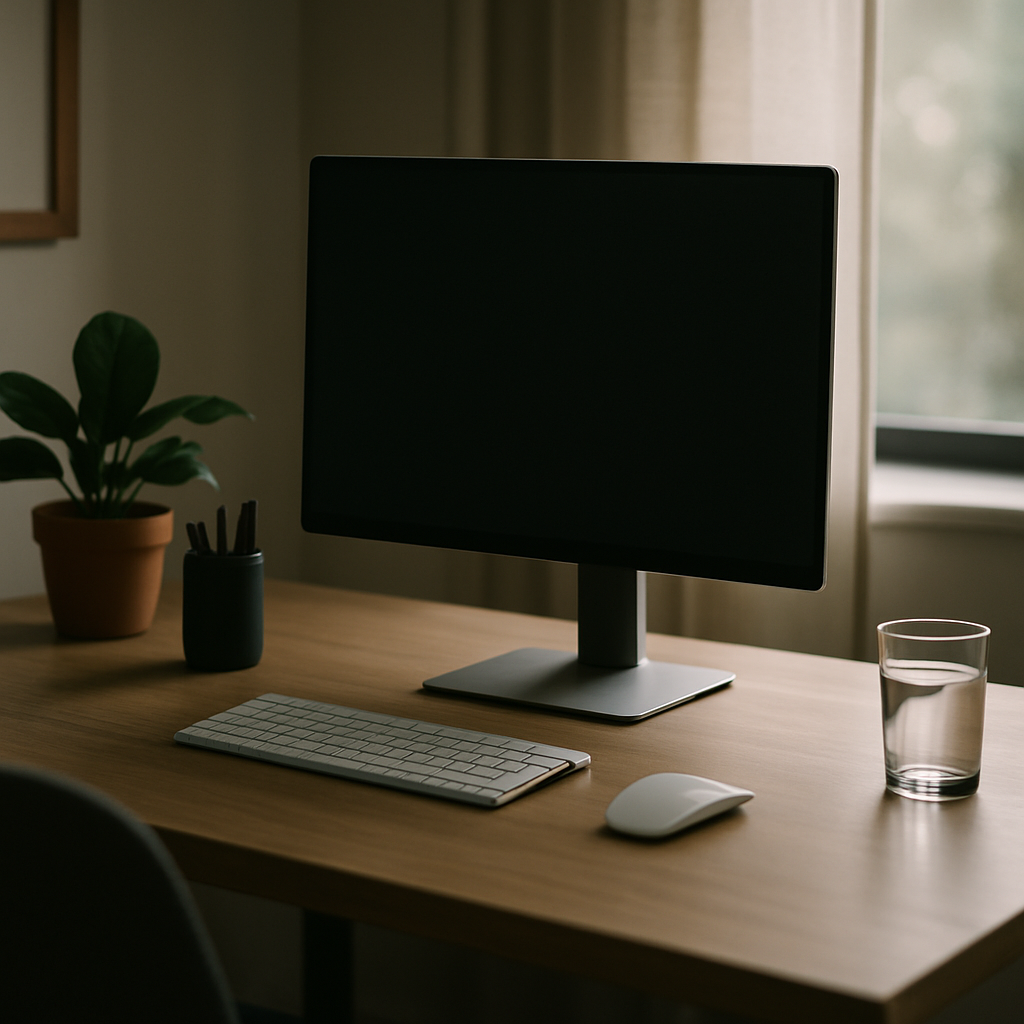
Physical movement matters most, but your workstation setup plays a supporting role in preventing desk fatigue from taking hold in the first place. A few straightforward adjustments can ease the load on your body throughout the day.
- Monitor height – your screen should sit at roughly eye level to keep your neck in a neutral position. A stack of books works just as well as a monitor stand.
- Chair support – ensure your lower back is supported and your feet rest flat on the floor. A rolled-up towel placed behind your lumbar spine can make a noticeable difference if you do not have an ergonomic chair.
- Keyboard and mouse position – keep them close enough that your elbows remain at roughly 90 degrees, reducing shoulder and wrist strain.
- Lighting – position your screen to avoid glare, which causes eye strain and unconscious head tilting that feeds into neck tension.
Building a Healthier Work Day from Your Baseline
Tackling desk fatigue does not demand a complete overhaul of your routine. Starting with one or two movement snacks each day, pairing them with a short stretching habit, and making simple adjustments to your workspace adds up to a meaningful shift in how you feel. Your body responds quickly to even modest changes – and the energy, focus, and comfort you gain are well worth the small effort it takes to start.

Desk fatigue FAQs
How often should I take breaks to prevent desk fatigue?
Aim to stand up or move around every 30 to 45 minutes. Even a brief two-minute movement snack – such as shoulder rolls or a short walk to another room – is enough to interrupt the physical effects of prolonged sitting and help reduce desk fatigue over the course of the day.
Can desk fatigue cause long-term health problems?
Persistent desk fatigue, if left unaddressed, can contribute to chronic back and neck pain, reduced mobility, and poor circulation over time. Building regular movement and stretching into your daily routine is a straightforward and effective way to protect your musculoskeletal health in the long term.
Do I need special equipment to improve my workstation setup?
Not at all. Many effective workstation tweaks require no specialist equipment. Stacking books to raise your monitor, rolling a towel for lumbar support, and adjusting your chair height with a cushion are all low-cost solutions that can meaningfully reduce the strain contributing to desk fatigue.